Some of you play on machines that have lived through a few Ragnarok expansions themselves, and this site was asking a lot of them. Runes falling down the background, logos turning in 3D, a glow breathing under the navigation. Pretty on a new computer. A slideshow on an old one.
So there is now a switch called Motion. One click and all of that stops. Nothing else changes: same pages, same data, same everything.
Where to find it
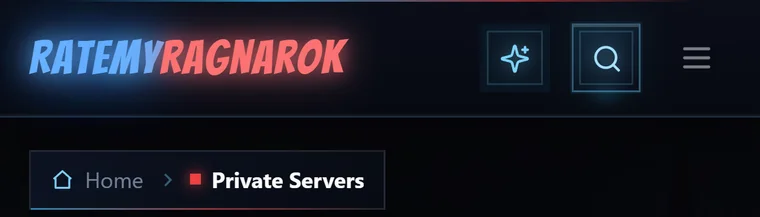
In the site header, next to the search button. On a wide screen it says what it is. On a narrow one it is just the sparkle.

Click it and the tile goes grey with a line struck through the sparkle. That is the off state, and it stays that way until you turn it back on.

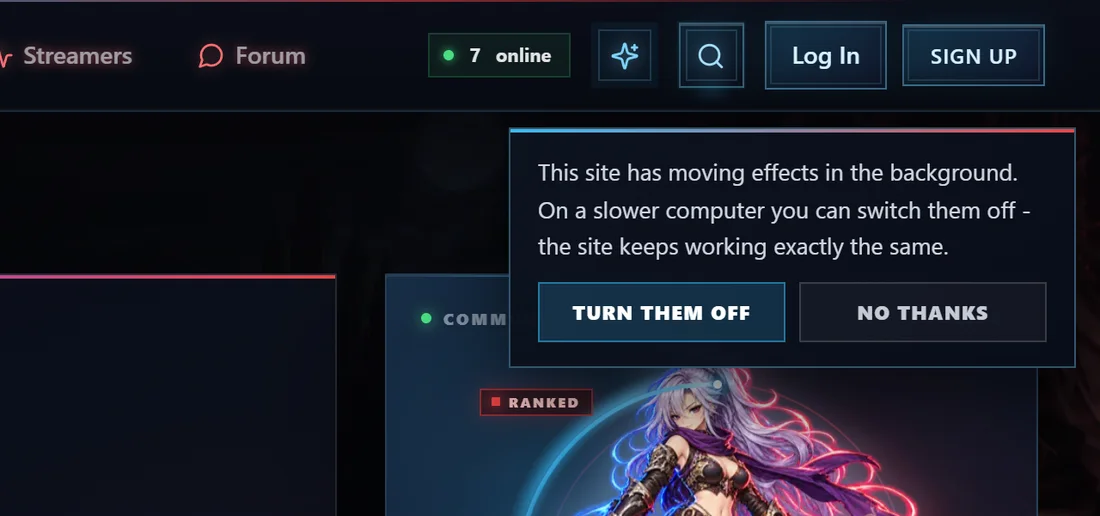
Here on the forum it sits in the same spot, between the number of people online and the search button.

It is also at the bottom of every page, on the site and here, next to Terms, Privacy and Sitemap. That one spells out which way it is set.

On a phone it is the sparkle on its own, left of the search button.
What actually stops
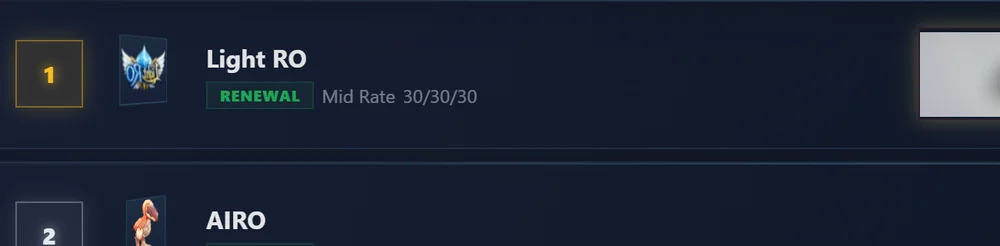
The server list shows it best. With Motion on the logos are spinning, so catch one mid-turn and it is edge-on, squashed to a sliver:
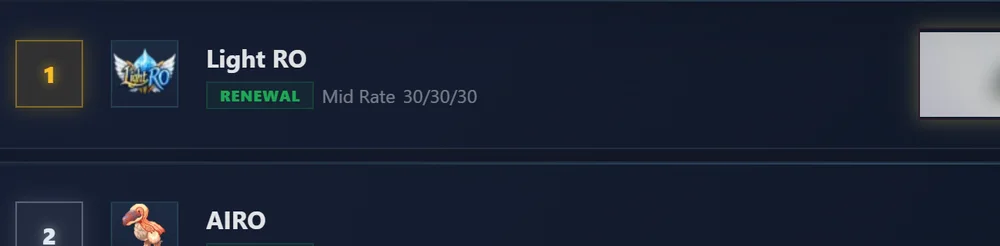
With Motion off they sit flat and still, and you can read them:
The full list of what goes quiet:
- the rune rain falling down the background on every page
- the 3D turning server logos and avatars, on rankings, reviews, profiles and your account
- the glow pulsing on the logo, the navigation links, the search box and the rate chips
- the light that follows your cursor, and the light that races around cards when you hover them
- the scan line across the footer, and the floating Discord poring in the corner
- here on the forum: the pulsing logo, the red glow travelling along the navigation, the live dot
What does not change
- Every page, every feature, every number. Nothing is hidden, nothing is removed, and this is not a "lite version". Only the decoration stops moving.
- Loading spinners keep spinning. They are telling you something is happening, so they stay.
- Monster sprites, the replay viewer and the 3D maps keep working. Those are the content. Press "Show it in-game" and the sprite still animates.
- Hover effects still respond. Buttons still light up under the mouse, because that only happens while you are pointing at something.
Things worth knowing
Your choice is remembered in your browser. No account needed, and nothing is sent anywhere. It lives on your own machine. Clear your browser data and it goes back to on.
One switch for the site and the forum. The forum sits at ratemyragnarok.com/forum, on the same address as the site, so both read the same setting. Turn it off while reading a thread and the database pages are quiet too, straight away. If you have the site open in another tab, it catches up as well.
It is per browser, not per account. Your phone and your desktop each have their own setting, and so does a different browser on the same machine.
If your system already asks for less motion, the site starts with Motion off without you touching anything. Windows calls it "Show animations in Windows", macOS calls it "Reduce motion", and most phones hide it under Accessibility. You can still switch it back on here if you want the effects anyway.
On a slower machine you get asked once. If your browser reports a weak processor or little memory, and you have never touched the switch, a small panel turns up once under the header offering to turn the effects off. Answer it either way and it never appears again.
Tell us how it goes
If you turned it off and something still moves, or something looks broken with it off, reply here with the page and what you saw, plus your browser if you know it. Same if a page still feels heavy with Motion off. That would be something else slowing it down, and worth finding.
 ItemsWeapons, armor, cards & more
 MonstersStats, drops & spawn maps
 ServersBrowse private server listings
 ReviewsRead honest community feedback
 MapsInteractive world maps
 SkillsAll job skills & descriptions
 QuestsObjectives, monsters & locations
 NPCsNPC & monster sprite browser
 DatabaseFull database overview
 Latest UpdatesNewest items & monsters
ToolsRO client & database integration
StreamersWatch RO streamers live
ForumTalk servers, builds & guides
Latest UpdatesNewest items & monsters
ToolsRO client & database integration
StreamersWatch RO streamers live
ForumTalk servers, builds & guides